Personio × WordPress · Documentation
Personio plugin for WordPress: Shortcodes.
Using two shortcodes, you can display the vacancies imported from Personio anywhere on your WordPress website – as a list of vacancies with filters or as a single vacancy view. Works with any theme and any page builder.
Output via shortcode
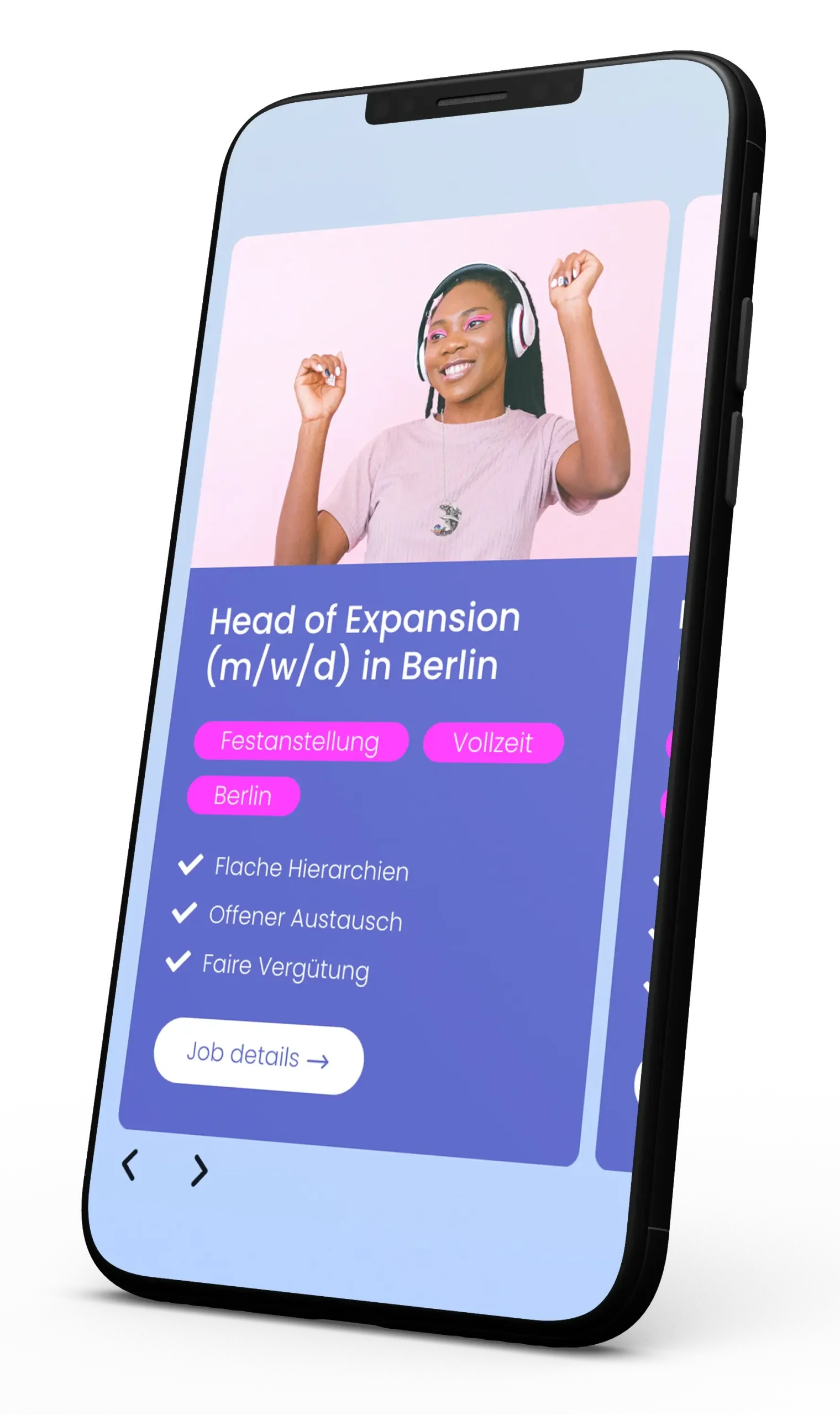
List of vacancies
[personioPositions]
01 / Structure of the shortcodes
Two shortcodes. List view and detail view.
With the exception of one, all parameters for both shortcodes are optional. If you do not specify a parameter, the template settings from the plugin will apply. You can find the latest documentation at GitHub – this page is intended to provide an overview.
Shortcode for a list view
Displays all or selected vacancies as a list – with optional filtering and sorting.
[personioPositions lang="de" showfilter="1" filter="recruitingCategory,schedule" filtertype="linklist" templates="title,excerpt" excerpt="recruitingCategory,schedule" sort="asc" sortby="title"]Shortcode for a single view
Displays exactly one job vacancy. The only mandatory field here is the PersonioID of the vacancy.
[personioPosition lang="de" templates="title,content,formular" personioid="42"]02 / Parameters
A selection of the available parameters. At a glance.
You can see which PersonioIDs are available in the WordPress backend, in the „Job Vacancies“ list, under the „PersonioId“ column.
| Parameter | View | Function & possible values |
|---|---|---|
long | List & Individual | Sets the output language. Must be a language supported by the plugin and is specified as a 2-character value, e.g. de or it for Italian. |
templates | List & Individual | Specifies the structure of a position, separated by commas: title (Title), excerpt (Job categories), content (Description), form (Link to the application form), meta (Pro version only, with the SEO function enabled). |
excerpt | List & Individual | Specifies which categories are displayed as an extract, separated by commas: recruitingCategory, schedule, occupationCategory, department, employmenttype, seniority, experience, office. |
showfilter | List | 1 enabled, 0 disables the filter view. The parameter determines which filters are displayed filter. |
filter | List | Specifies which filters are displayed, separated by commas: recruitingCategory, schedule, occupationCategory, department, employmenttype, seniority, experience, office. |
filtertype | List | Illustration of the filter: linklist or selectbox. |
sort | List | Sort order: asc (ascending) or desc (in descending order). |
sortby | List | Sorting criterion: title (Job title) or date (Date of import into WordPress). |
groupby | List | Groups the positions according to a particular characteristic, e.g. recruitingCategory or office. |
limit | List | Maximum number of items displayed. In the free version, lists are limited to 10 entries. |
ids | List | Restricts the list to the specified PersonioIDs, separated by commas. |
personioid | Singles | The only compulsory field. Specifies which section is displayed. |
03 / Practical examples
Practical examples of shortcodes. To copy.
List without filters
Including a title and description for each vacancy.
[personioPositions templates="title,content"]List with filter
Including job title and a job description for each vacancy, filterable by category and working hours.
[personioPositions showfilter="1" filter="recruitingCategory,schedule" templates="title,excerpt"]Detailed view of a vacancy
Including the title, content and a link to the application form.
[personioPosition personioid="42" templates="title,content,form"]04 / Further reading
Would you prefer not to use shortcodes? We’d be happy to advise you.
As well as shortcodes, the plugin includes blocks for the Block Editor and widgets for popular page builders. We’ll help you set up, design and customise your careers page.
The next step is a meeting.
Your new look. Let’s get started.
Do you already have a specific idea? Or do you simply feel that your website could do more? Tell us about it.
No obligation · personalised · direct

Tobias Ebert
Managing Director · laOlaWeb